N9pinax
Mapping the Digital Desert —
or your network, fully mapped.
N9pinax is the next-generation network
reconnaissance and mapping platform.
Discover. Analyze. Visualize.
Own your network like never before.
Every network has a story. We help you read that pinax.
Better than Nmap, built for the modern era.
What N9pinax Does
A powerful toolset built for network engineers, pentesters, and sysadmins who need clarity in the chaos.
Rapidly sweep network ranges and identify live hosts with multi-protocol detection. ARP, ICMP, TCP — all covered.
Full port scan with service fingerprinting and banner grabbing. Know exactly what's listening and on which port.
Identify the manufacturer of network devices based on their MAC addresses. Based on a embedded OUI database.
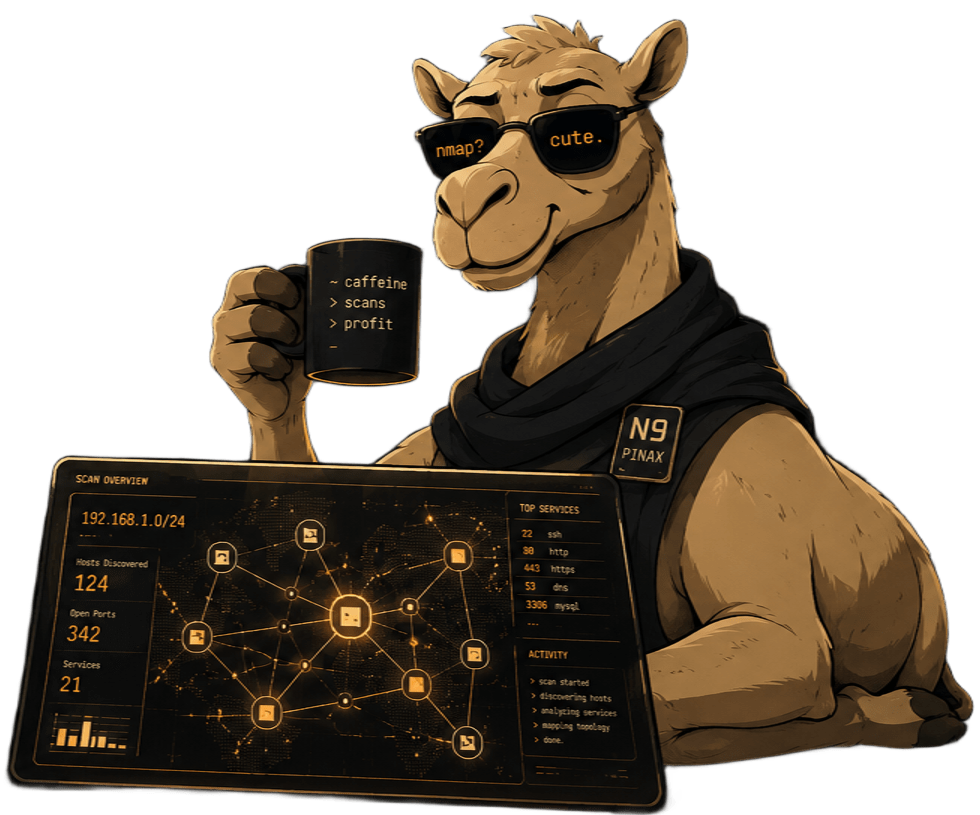
Visualize your network graph live — nodes, edges, paths. Built-in topology renderer with export support.
Auto-generate detailed scan reports in JSON, PDF. Share with your team or archive for compliance.
Plugin architecture and a clean CLI make N9pinax easy to deploy or embed into your existing automation pipelines.
How it Works
From install to full network intel in three steps.
Access the repo and clone it inside the device choosen. Runs on Linux , macOS , and WSL. Only requires Python 3.14.x
Install the dependencies needed just by the Makefile make koulxi via CLI flags.
Open the N9pinax web interface via make start and run the scan :) And here you are all set.
Install & Deploy
Get N9pinax running in under five minutes.
# Clone the repository
git clone https://github.com/Dna9a/N9PINAX
cd N9PINAX

# Install all dependencies with a clean env with Python 3.14
make virgin

# Runs terminal scan N9pinax
make run
# Runs everything
make up

# Check processes docker containers processes
make status
# example.env — configuration settings

SCANNER_API_HOST=          0.0.0.0
SCANNER_API_PORT=          8000
SCANNER_JWT_SECRET=        your_secret_key
REDIS_URL=                 redis://127.0.0.1:6379/0

# Scan behaviour
SCANNER_PORT_TIMEOUT=      0.5
SCANNER_MAX_WORKERS_PORTS= 50
SCANNER_RATE_LIMIT_PPS=    500
SCANNER_ALERTS=            true
# Run the scanner (auto-detects network)
make run

# Run with sudo (required for ARP/raw sockets)
make run-sudo
# System requirements
OS:      Linux, macOS, Windows (WSL2)
Python:  3.14 or higher
RAM:     614MB minimum
Network: Root/admin for SYN scans

# Python dependencies (requirements.txt)
python>=3.14
scapy>=2.5.0          # Network packet crafting and analysis
cryptography>=41.0.0  # Cryptographic recipes (required by Scapy for TLS)
pydantic>=2.7.0       # Data validation
pydantic-core>=2.7.0  # Pydantic core
Traditional network scanners were powerful, but the workflow around them never evolved. Running audits still meant juggling multiple tools, parsing raw terminal output, writing custom scripts, and manually piecing everything together afterward.
We wanted something better.
N9pinax was built from the ground up as a modern network reconnaissance and security intelligence platform inspired by the strengths of tools like Nmap — but entirely re-engineered in Python with a completely different architecture and workflow philosophy.
This is not a wrapper. Not a frontend. Not a collection of shell scripts.
N9pinax handles discovery, enumeration, visualization, analysis, and reporting in a unified platform designed for real-world environments, modern infrastructure, and security teams that need actionable results fast.
Built by people who actually perform network audits. Open source, extensible, and designed to keep evolving.
- Most existing tooling focuses only on scanning. We focused on the entire workflow — from discovery to visualization to reporting.
- Instead of relying on legacy architectures, N9pinax was rebuilt in Python with modular scanning engines, extensible components, and a modern backend structure designed for scalability.
- Topology visualization is treated as a core feature, not an afterthought. Understanding the structure of a network is just as important as enumerating it.
- Reports are generated automatically in a clean, shareable format suitable for teams, clients, audits, and long-term documentation.
- Designed for real environments — not isolated lab demos. Tested against realistic infrastructures, noisy networks, and practical operational scenarios.
Keep the Lights On
N9pinax is free and open source.